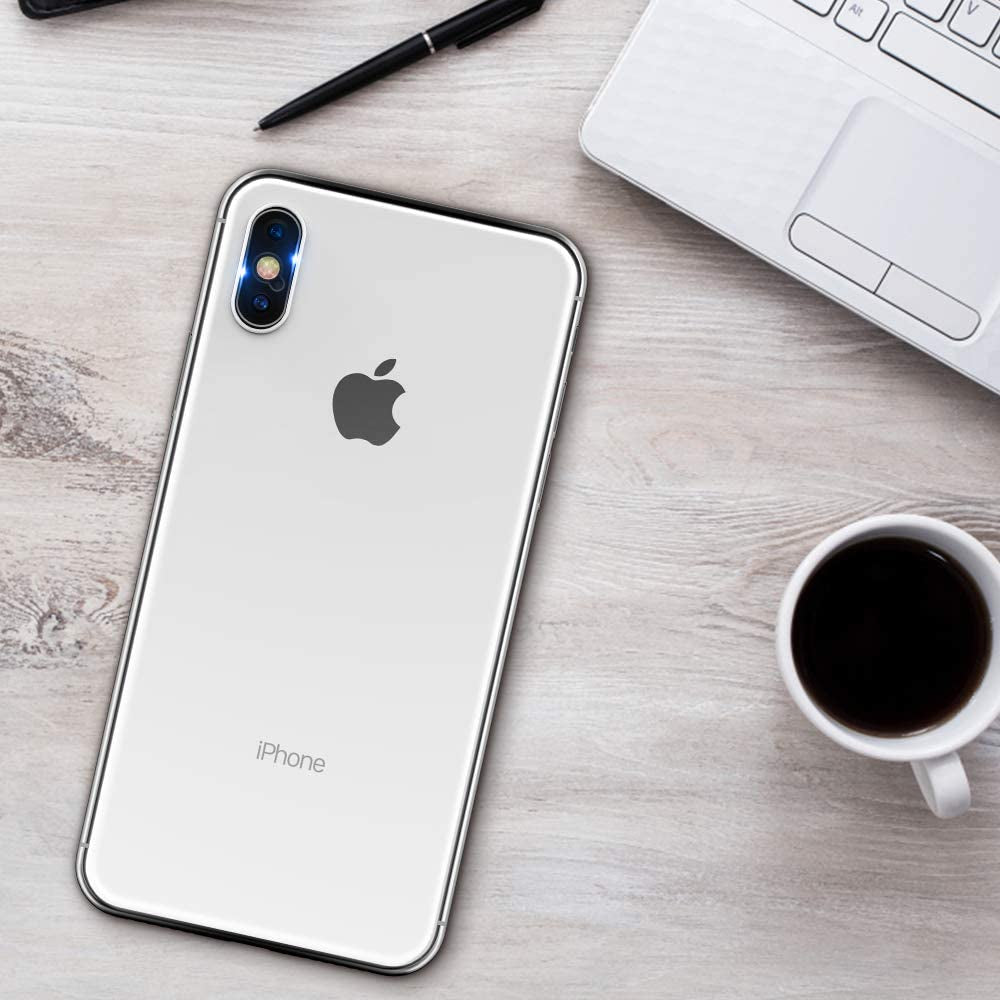
Tensea Back Camera Lens Protector Apple Iphone Xs Max/Xs/X Tempered Glass Film Screen Protector, Anti-Scratch, Anti-Fingerprint, Ultra Thin, High Definition, 4 Pack
[Compatible Models]: Special design for iPhone Xs Max / Xs / X camera lens and provide maximum protection for lens of your device.
[Anti-Scratch]: The soft tempered glass material Resists scratches up to 9H. Upgraded scratch-resistant coatings protect the Raised camera Lens from unwanted scuffs and scratches by knife, keys and some other hard substances.
[Easily installation and Bubble Free]: The nano-electrostatic film can be automatically adsorbed on the camera lens. No fingerprint, no bubbles and leaves no residue when removed.
[Ultra Thin and HD Clarity]: The hole-design does not affect the flash, high transparency to ensure original high resolution for pictures and videos.
[Include and Service]: 4 pack camera lens soft tempered glass protectors, cleaning cloth, dust removal stick. If you have any problem, please CONTACT US without hesitation.
Product Description
Compatible Models
iPhone Xs Max / Xs / X
iPhone 11 Pro / iPhone 11 Pro Max
iPhone 11
iPhone Xs Max / iPhone 11 Pro Max
iPhone Xs Max
Material
Soft tempered glass
Aviation aluminum, Tempered glass
Aviation aluminum, Tempered glass
Tempered glass
Tempered glass
iPhone Xs Max / Xs / X Camera Protector
Ultra-thin
Extra thin film screen, with a thickness of 0.7 mm, light transmittance up to 99%.
HD Clarity
The hole-design does not affect the flash, high transparency to ensure original high resolution for pictures and videos.
Package Included
4 x iPhone camera lens protection.
4 x Cleaning kit.
Installation Steps
1: Clean your camera with provided alcohol pad
2: bend the plastic plate cover and take off a protector