BAKAH
BAKAH Wireless Lavalier Microphone Fit for Iphone Ipad, Lapel Microphone Wireless, 2 Clip on Microphones for Phone Video Recording, Interview, Vlog, Youtube, Tiktok
BAKAH Wireless Lavalier Microphone Fit for Iphone Ipad, Lapel Microphone Wireless, 2 Clip on Microphones for Phone Video Recording, Interview, Vlog, Youtube, Tiktok
Couldn't load pickup availability
- [2 wireless microphones & 1 receiver] Wireless lavalier microphone kit contains 2 transmitters and 1 receiver, which can record the sound of two at the same time, perfect for two people for interviews, live streaming, blogging, YouTube, TikTok, etc.
- [Omnidirectional microphone and noise reduction technology] This mini wireless microphone is equipped with a high-density sponge and intelligent noise reduction technology, which can effectively identify the original sound in noisy environments, reduce wind noise, filter noise and ensure sound quality.
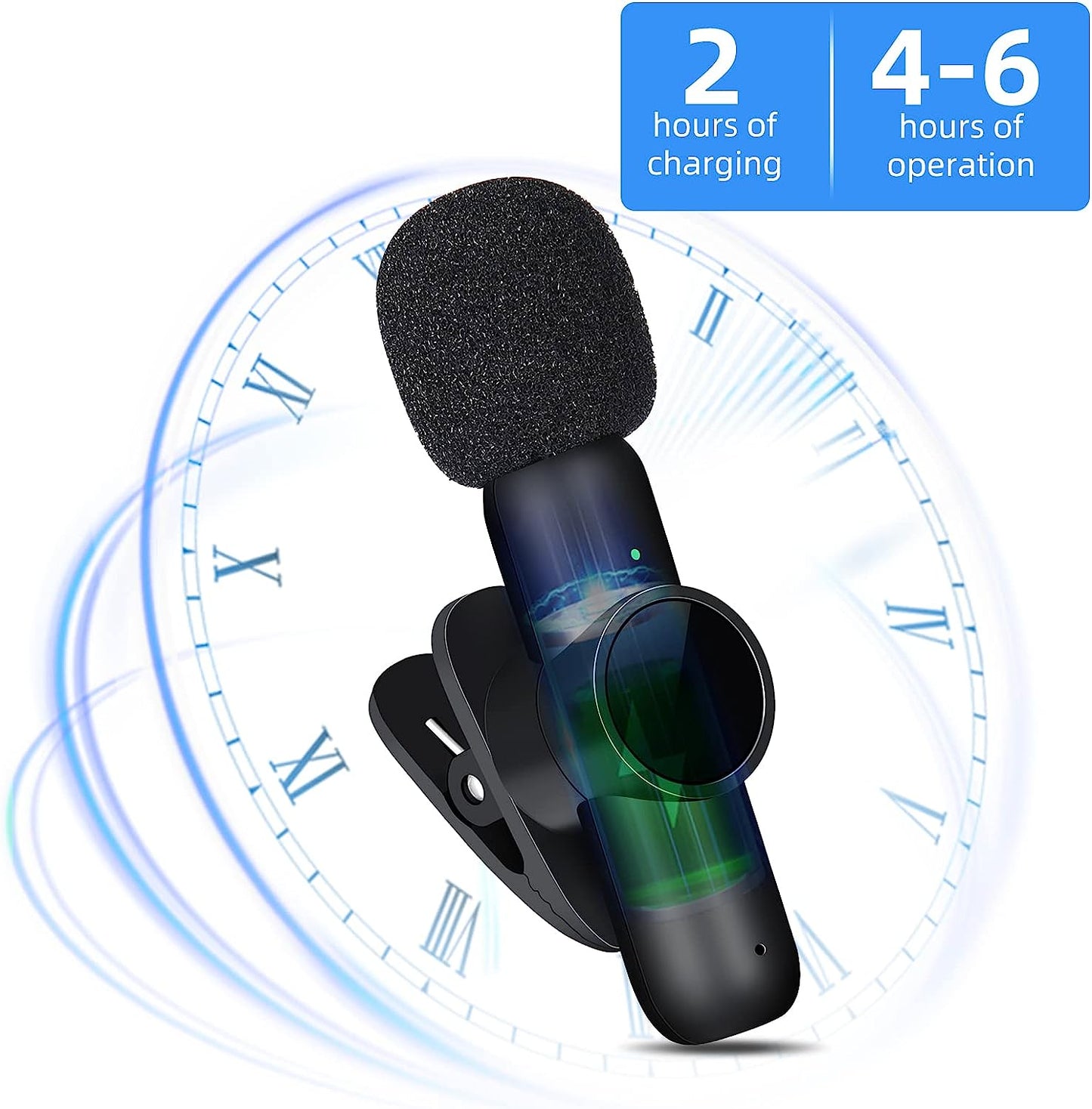
- [Long distance transmission & long time working] lapel microphone built-in rechargeable battery, each time only needs to charge 2 hours up to 5 hours of use, 65FT stable audio signal transmission, real-time synchronization technology makes the transmission only 0.009s delay, can also record clear sound at a distance.
- [Compatible with iPhone/iPad] Professional lavalier microphone compatible with IOS system, can be compatible with iPhone/iPad used together. (Note: There is no usb c-type interface, so it does not support type-c interface use.)
- [Get rid of messy cables & light and easy to carry] Lightweight and compact body, convenient for you to carry anywhere, 0.22 ounces, you can hardly feel its presence, wireless tie microphone allows you to say goodbye to messy cables from now on while eliminating bad noise.
Connection steps:
1. Please plug the receiver into compatible with iPhone/iPad, the green light blinks to indicate a successful connection.
2. Press the power switch of the microphone for about 1 second to turn it on.
The green light of the receiver and transmitter will be on for a long time, and the pairing is successful.
3. Red and green lights flash alternately, the connection fails and needs to be restarted.
4. Press and hold the power switch for about 3 seconds to power off the microphone.
5. Unplug the receiver before listening to the recording.
6. There is no need to charge the receiver, just the microphone.
Please follow the instructions step by step and we will be on standby if you encounter any problems while recording.