Generic
Mobile Gimbal 360 Rotation Stabilizer Handheld Selfie Tripod anti Shake Video, Android and Iphone Gimbal with Shotguides, Vlogging Stabilizer, Youtube Tiktok Video
Mobile Gimbal 360 Rotation Stabilizer Handheld Selfie Tripod anti Shake Video, Android and Iphone Gimbal with Shotguides, Vlogging Stabilizer, Youtube Tiktok Video
Couldn't load pickup availability
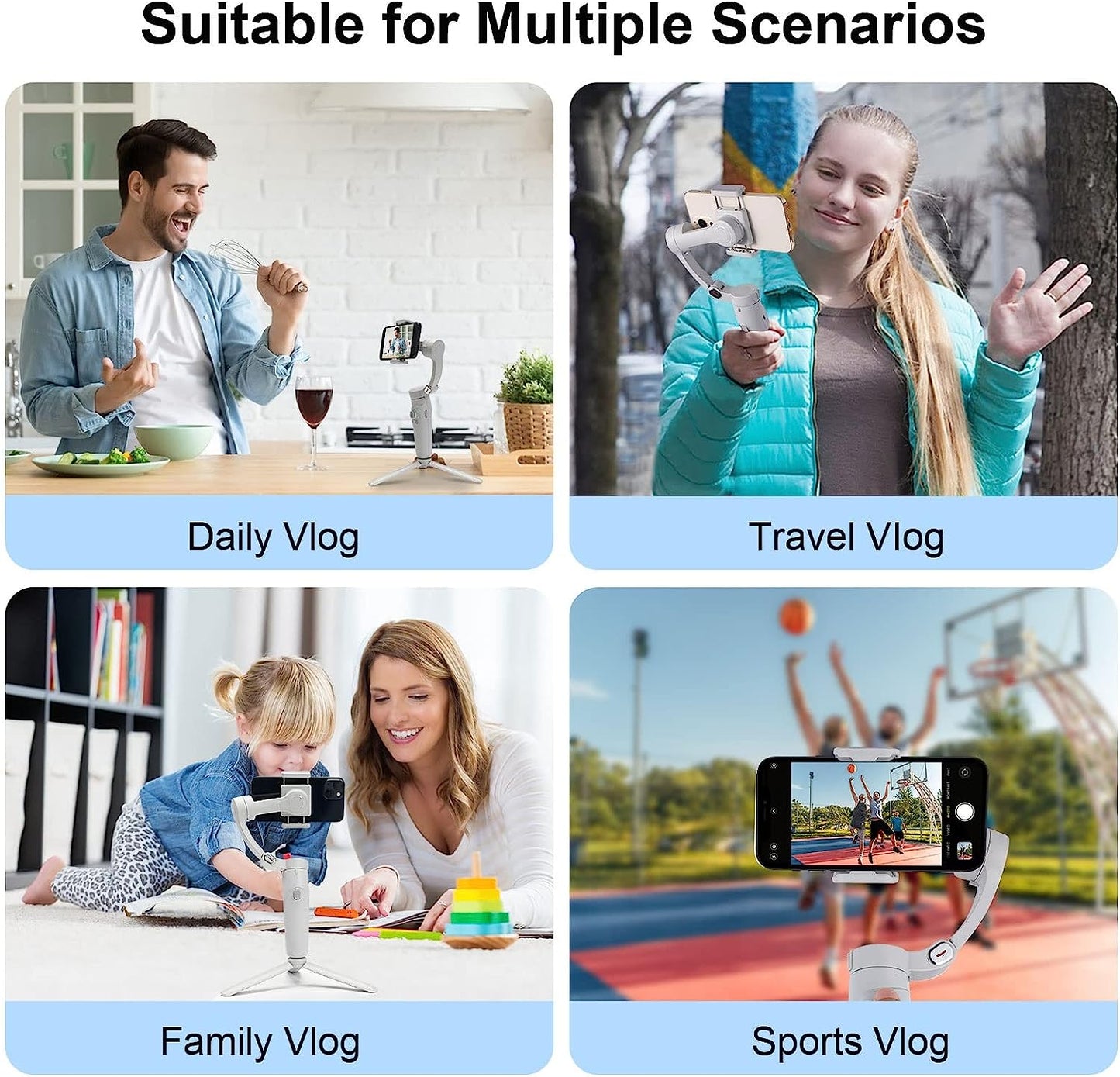
- 【Portable, Foldable, and Magnetically Quick】Take this compact gimbal on all your adventures. Snap-in and out with ease with the magnetic clamp to capture the second you want to shoot.
- 【Effortless Editing】Whether it's shot-by-shot assistance with DJI Mimo's ShotGuides or the multitude of templates to choose from in LightCut, go beyond just cutting down clips and get edits that inspire.
- 【Landscape and Portrait】From theater-worthy dramatic shots to light and casual social media content, switch effortlessly between horizontal and vertical shooting.
- 【Simple Operation】Press the button for parameter adjustment, rotate the adjustment wheel to adjust the parameter value. Added professional round joystick to finish the movement filming. Control focus and focal length with the control wheel.
- 【Gold - Standard Service】All Gimbal enjoy a 1-year limited warranty, 100% MONEY-BACK. If you encounter any issue after you place an order, please feel free to contact us !
1. Before turning on the M1 Gimbal, the mobile phone must be placed in the middle (if turning on the M1 without the mobile phone or without phone in centering will cause abnormal vibration or shaking of the M1).
2. Please use the USB cable configured by us to charge the M1, or use the cable which USB-A cable at one end and the TYPE-C at the other end. However, cables with TYPE-C at both ends cannot be used. Cables with TYPE-C at both ends cannot be used.
Note:
m1 need APP
Android:Search for " Gimbal Play" in the Google Apps
● ios:Search for"Gimbal Play "in the APP Store
Preparation
Adjustment balance:
When the phone is in the horizontal postion,adjust the position of the phoneleft and right until the phone can touch the ground when it is stationary Close to horizontal. When the phone isin vertical photography state, move the phane clip positionleft and right untilthe phone is close to the ground when it is stationary.