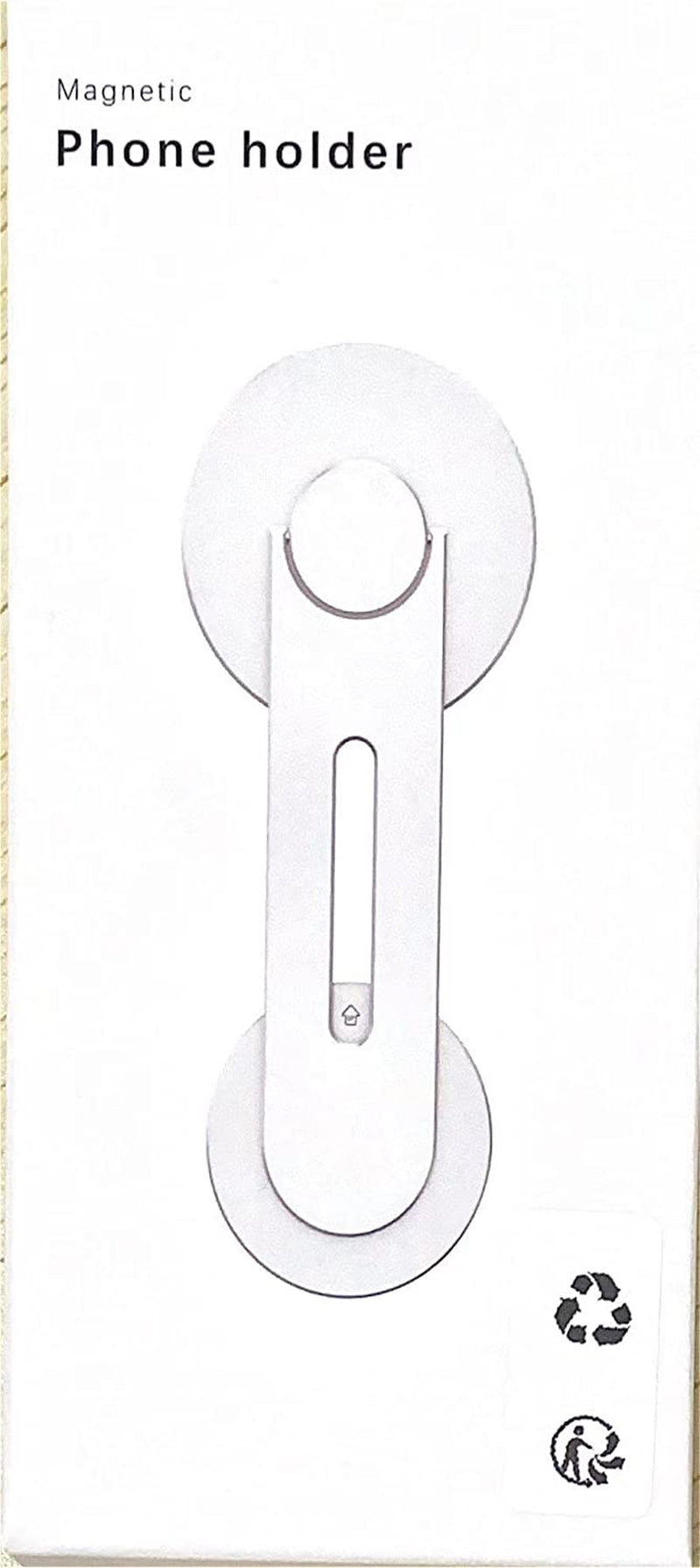
Cloudvalley Magnetic Laptop Phone Holder, Adjustable Continuity Camera Mount Compatible with Magsafe & for Ios 16 / Macos 13 Ventura, Slim Portable Computer Expansion Bracket for Smartphone, Black
【New Upgraded Laptop Phone Holder】Magnetic laptop phone holder is designed for iPhone 14 / 13 / 12 series, magnetic case and other phones or cases with metal ring (Work with all phones). Suitable for laptops, desktop monitors or various tablet monitors, easily view text messages or video conferences while working, enjoy dual screens and improve office efficiency.
【New Upgrades for Continuity Cameras Mount】The new iOS 16 and macOS 13 Ventura systems can automatically recognize your Mac and use the camera on your iPhone nearby, and use MagSafe to easily mount your iPhone and use it as a webcam for even more flexibility.
【With Metal Ring】Works with all phones. The metal ring can be attached to a cell phone or case without MagSafe. Includes Android smartphone models.
【Easy to use】Adsorb the phone before installation and reserve enough space for use. Remove the protective tape from the mounting base, attach it to the back of a desktop or laptop monitor, and rotate the stand arm to reveal the magnetic stand. The phone can be firmly attached to the laptop or monitor without loosening.
【Light and Portable】Laptop side expansion stand is made of high-quality aluminum alloy material, small size, portable and thin size, easy to carry anywhere, is the first choice for travel, business travel.
【What You Get】1 x Laptop side expansion bracket phone stand, 2 x Metal plates, If you have any questions during use, please feel free to contact us!
Product Description
How to Use Clear Stickers and Metal Ring?
If using another model of phone (without MagSafe) or if your iPhone 14 / 13 / 12 series are using a non-magnetic case, they will be useful.
1
Put the clear sticker in the middle of the back of the non-magnetic phone case. When you pull off the metal ring, it will prevent the phone case from being damaged.
2
Attach the metal ring securely to the clear sticker.
3
Put your phone on the CloudValley magnetic phone holder. It's that simple.
Continuity Camera Mount
Simply flip the magnetic phone mount to use your iPhone as a webcam. Use iPhone's powerful camera system with your Mac. Requires device upgrade to ios16 and the latest macOS Ventura.
Free Your Hands
Dual-screen interaction makes work easier and more efficient.
Compatible with Model 3 / Y / S / X
You can mount it on the back of the touchscreen. Place your phone on the phone mount and you just need to focus on driving.